

Check Galaxy S25 for One UI 9 and Install Android 17
Galaxy S25 owners can check Settings for the One UI 9 Android 17 update. See the October rollout status, install steps, and what Samsung added.
Galaxy S25 phones are moving from beta builds to a stable One UI 9 update based on Android 17. Samsung started the official One UI 9 push on September 16, 2026, with Galaxy S26, S26+, and S26 Ultra. It said the software would reach other Galaxy devices over time. Trade reports on October 6 put the S25 series on that next wave in Europe, with mixed timing in the United States.
If your phone still shows One UI 8, that does not mean it is skipped. Samsung ships these updates by model, carrier, and region. The useful check is on the handset, not a rumor thread.
What Samsung already shipped in One UI 9
Samsung Electronics America said One UI 9 first arrived on Galaxy Z Fold8 Ultra, Z Fold8, and Z Flip8, then expanded on September 16 to the Galaxy S26 family. The company described the later wave as gradual. It did not publish a day-by-day list for the S25 in that release.
The feature set Samsung listed is the same software family S25 owners should expect once the build lands. Availability still varies by model and country.
My FanCam tracks a person you select in a recorded video and keeps them centered. Samsung requires a Samsung account, and the source video must be at least 720 by 720 pixels.
Now Brief adds generative and editable cards for health, weather, and video summaries. Personal data intelligence has to be on, and some source apps need a network connection.
Warranty and Care sits in Settings. It can show warranty status, self-diagnostics, repair estimates, and Samsung Care+ options. Samsung says the exact menu differs by country.
Now Nudge can suggest a next step in context, such as opening reservation details from a text thread. Auto suggestion and location permission must be enabled for location actions.
Interpreter adds Thread View so earlier lines stay visible, plus faster Conversation Mode playback on compatible Galaxy Buds. Document Scan handles curved pages with less manual cleanup. Voice Recorder summaries use headings and tables.
Security Brief surfaces malware, unknown-source apps, and extra permission alerts inside Now Brief. Privacy Alerts use on-device AI to flag background permission access. Samsung lists Galaxy S25 and S25 FE among supported phones for Privacy Alerts, along with S24, S23, recent Folds, and several Tab S models. Scam Detection is expanding to Japan, Canada, and India, with availability tied to country, language, and One UI version.
Galaxy AI basic features from Samsung are free. Enhanced Samsung AI and third-party AI can use different terms and fees. Samsung points to the Advanced intelligence list in its Services Terms.
If you already installed One UI 9 on an S26, the walkthrough of those tools is in How to Install One UI 9 on Galaxy S26 and Use the New Galaxy AI Tools.
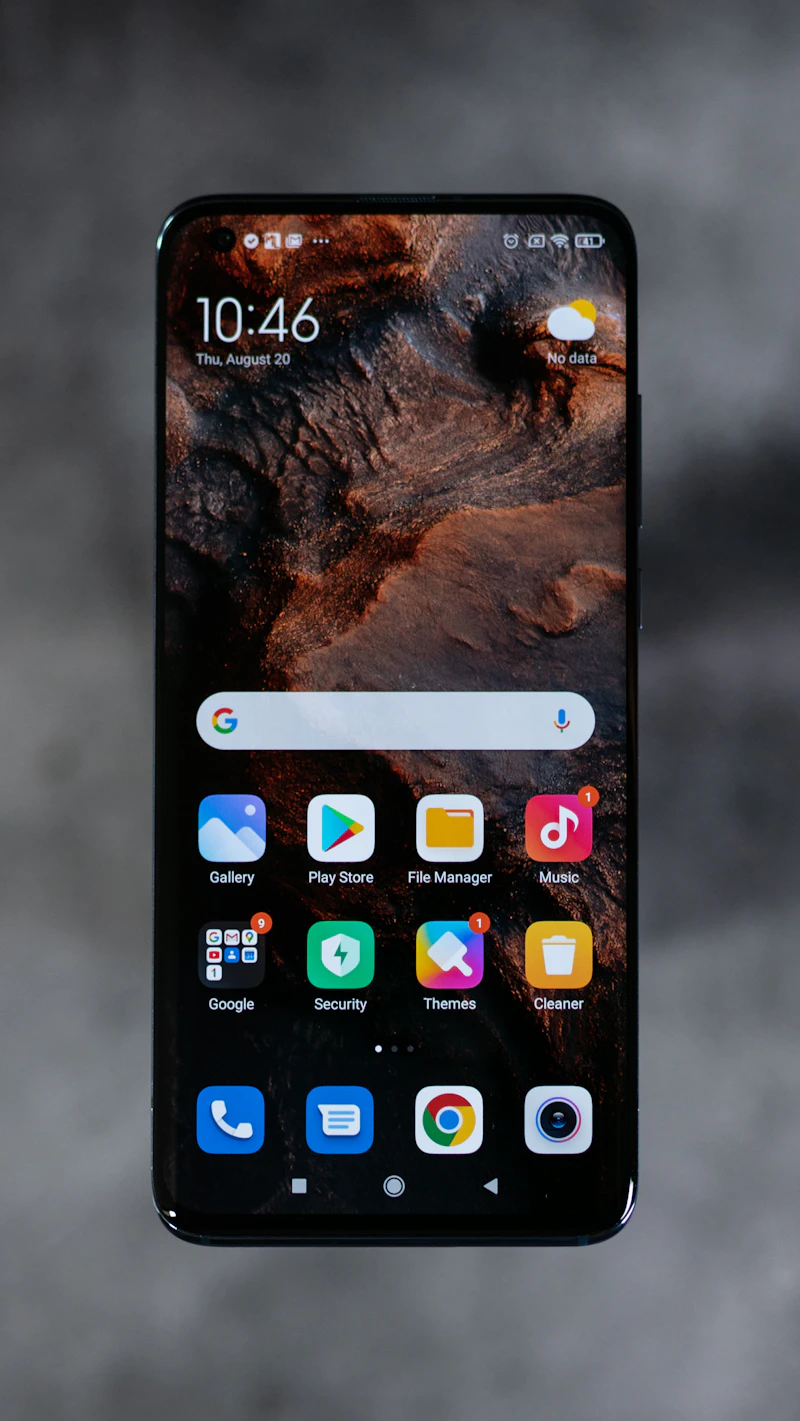
October status for Galaxy S25
SamMobile reported on October 6, 2026 that stable One UI 9.0 for Galaxy S25, S25+, and S25 Ultra had started in Europe after earlier releases in South Korea and the United States. It cited firmware S93xBXXUCDZIF. Beta testers were seeing a download around 550MB. The public package was expected to be larger than 3GB.
How-To Geek updated the same day and said older flagships, including the Galaxy S25 lineup, Galaxy Z Fold 7, and Galaxy Z Flip 7, were receiving stable One UI 9 based on Android 17. The same update also said that wave was limited to Samsung’s home market at the time of writing, with a wider US and regional push expected later. Treat carrier reports as partial. A missing update on AT&T, Verizon, or an unlocked unit can simply mean your CSC has not been queued yet.
Galaxy S24, Z Fold 6, and Z Flip 6 were also named in that October note. Galaxy A-series phones and tablets still lack a public Samsung timeline.
Check for the update
Use Wi-Fi if you can. A multi-gigabyte system update on mobile data is slow and easy to interrupt.
- Charge the phone to at least 30 percent. SamMobile recommends that floor before you install. A full charge is safer if the battery is old.
- Back up photos and messages. Samsung Cloud, Smart Switch to a computer, or a Google account backup covers most of a daily driver.
- Open Settings.
- Tap Software update.
- Tap Download and install or Check for updates. How-To Geek lists the first label. SamMobile lists Check for updates on European S25 units. Both paths live under Software update.
- If a package appears, read the version line. You want One UI 9.0 on Android 17, not a small security patch on One UI 8.
- Download, then install. Keep the phone on a charger and leave it unlocked until the progress bar finishes.
If the checker says you are up to date, wait. Phased rollouts often take days inside one country. Pulling a firmware file from an unofficial host is a common way to brick a phone or fail a Knox check. Stick to the Settings path or Samsung’s own Smart Switch desktop app.
After reboot, confirm the build. Open Settings, then About phone, then Software information. Android version should read 17. One UI version should read 9. Note the build number if you need to compare it with a carrier thread later.
Try the features that land with the build
Do not assume every AI card appears on minute one. Several need a Samsung account, a language pack, or an extra app.
For My FanCam, open a recorded clip that meets the 720-pixel minimum, pick the person, and let the tool reframe. Results vary by clip, which Samsung states outright.
For Now Brief cards, turn on personal data intelligence, then add or edit a health, weather, or video card. If a card stays empty, the source app may still be waiting on consent.
For Warranty and Care, search Settings for warranty. Coverage rows can differ outside the US, so a missing estimate button is not a failed update.
For Interpreter Thread View, sign in, set a language pair, and start Conversation Mode. English and Spanish are preinstalled. Other languages need a free download.
For Privacy Alerts, keep the phone on a supported model. Samsung says the on-device check may not catch every risk factor. It is a prompt, not a full audit.
If the update will not install
Free at least several gigabytes. A public One UI jump is often over 3GB, and the installer needs extra room to unpack.
Leave beta if you are still enrolled and the stable package is stuck. Beta and stable channels can fight over the same slot. Samsung Members is the right place to leave a program, not a third-party firmware site.
Retry on Wi-Fi after a restart. A failed download usually resumes. A failed install that boot-loops is rarer. In that case, boot to recovery only if you already know the key combo for your model, or use Smart Switch emergency recovery on a computer.
Carrier-locked phones can trail unlocked units by days. Comparing your CSC with a friend’s in another country will not force the package.
Conclusion
One UI 9 is Android 17 with Samsung’s Galaxy AI layer on top. The S26 family and the 2026 foldables got it first. October 6 reporting put Galaxy S25, S25+, and S25 Ultra into the stable queue in Europe, with other regions still phased. Check Settings, then Software update, keep 30 percent battery, and read the version after reboot before you hunt for Now Brief or My FanCam.
Sources
- Samsung Newsroom US, September 16, 2026: Samsung begins official rollout of One UI 9
- SamMobile, October 6, 2026: Galaxy S25 stable One UI 9 update in Europe
- How-To Geek, updated October 6, 2026: One UI 9 availability for older Galaxy flagships
Share this story


