

Create Consistent Brand Images with Gemini Nano Banana
Step-by-step guide to define your brand style in Gemini and generate cohesive marketing visuals with Nano Banana 2.1 for product launches and campaigns.
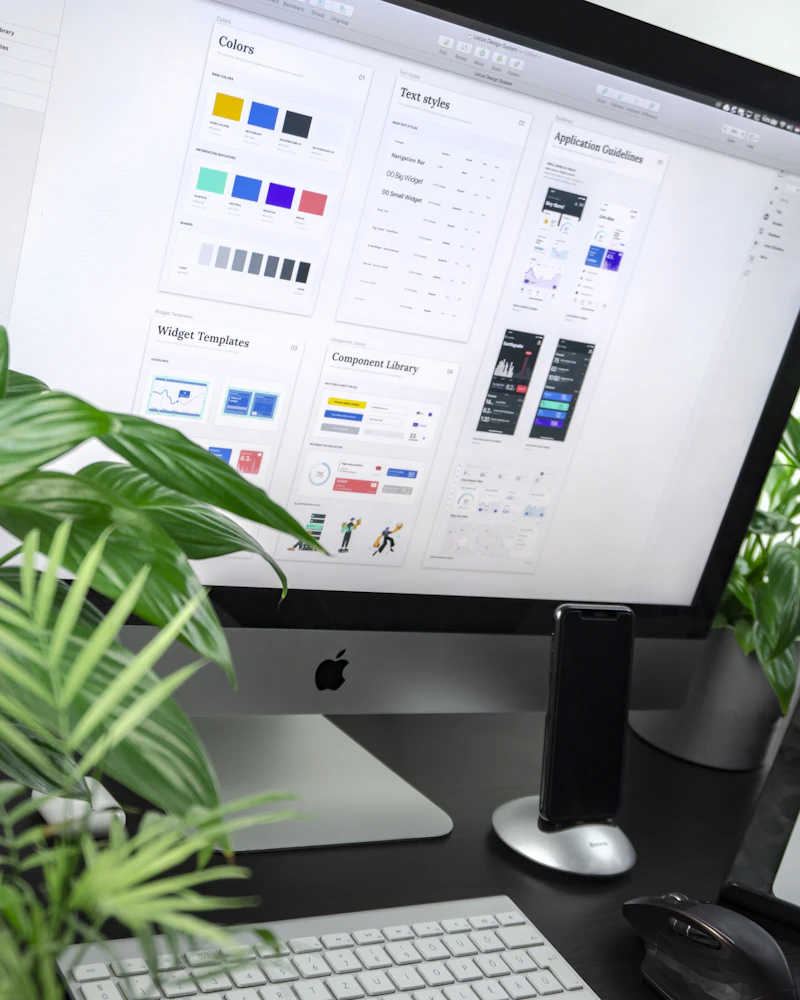
Small business owners often spend hours creating visuals that match their brand. Google’s October 2026 Gemini update changes that. You can now upload your brand style once. Gemini then uses Nano Banana 2.1 to generate matching images for launches and campaigns without repeating the guidelines.
The feature rolls out to all Gemini app users in the coming days. It works with website uploads, brand kits, fonts, or color palettes. The model retains the style so later prompts stay consistent.
Why Brand Style Matters for Marketing Assets
Inconsistent colors or fonts make a business look unfinished. Customers notice mismatched social posts and product photos. With the new tools, Gemini stores your visual identity and applies it automatically.
Nano Banana 2.1 is Google’s latest image generation model. It improves text rendering and multi-image consistency. It supports reference images and works at higher resolutions. Every generated image includes Google’s SynthID watermark for transparency.
This pairs with the new business landing page. From the hub you can also connect apps like Canva or Shopify and analyze finances. See our guide on the full landing page setup for more.
Step-by-Step: Upload Your Brand Style
Open the Gemini app on web or mobile. Sign in with the Google account linked to your business tools if you use Google Business Profile or Ads.
Look for the business landing page or the brand style option in the menu. Google places it as a central hub for owners.
- Choose the upload path. Select your website URL, a brand kit PDF, font files, or a color palette image.
- Confirm the assets. Gemini reviews the colors, typefaces, and overall look.
- Save the style. The app stores it for future generations. You do not need to re-upload for each campaign.
Test with a simple prompt such as “product photo of our new mug in brand colors on a wooden table.” Review the result. Adjust the prompt if the layout needs tighter text or different lighting.
Generate On-Brand Visuals with Nano Banana 2.1
Once the style is set, prompt for specific assets. Ask for social media posts, product mockups, or email headers.
Example prompts that work well:
- “Create three Instagram post images for our fall sale using the brand style. Include the product name in clean text.”
- “Generate a hero banner for the new collection. Keep the logo space empty and match the palette.”
Nano Banana 2.1 handles multiple reference images. Upload a product photo if you have one. The model blends it with the stored brand style.
Download the outputs. They carry SynthID, so verification tools can confirm the AI origin if needed.

Tips for Better Results
Keep your brand assets clean. High-contrast logos and limited color sets produce sharper matches.
Specify the output size and use case in the prompt. “Square for Instagram” or “wide for website header” helps the model frame the composition correctly.
Iterate on one asset at a time. Generate a base image, then ask for variations in lighting or angle while keeping the style locked.
Connect related apps. Link Canva or Adobe if you plan to edit further. The business tools make handoff smoother.
Monitor the rollout. Features appear gradually. Check the Gemini app settings if the brand style option is not visible yet.
Limitations to Know
The style retention works for visuals generated inside Gemini. It does not automatically apply to external tools unless you connect them.
Complex brand guidelines with many rules may need multiple uploads or refined prompts. Start simple and expand.
Image generation still follows Google’s usage policies. Avoid prompts that request copyrighted characters or misleading content.
Conclusion
Defining brand style in Gemini and generating with Nano Banana 2.1 removes repeated setup work. Owners can produce matching assets for launches in minutes instead of hours. Pair it with the business landing page and connected apps for a fuller workflow.
Start by preparing one clear brand asset today. Upload it once the option appears. Then test a product launch prompt. Consistent visuals help customers recognize your business across channels.
For more on connecting apps, read our post on Gemini connected tools. Official details come from Google’s October 20 announcement.
Sources
- Google Blog: New Gemini tools for small business owners (October 20, 2026)
- Gemini app documentation and rollout notes
Share this story


